
Push Notification Devices
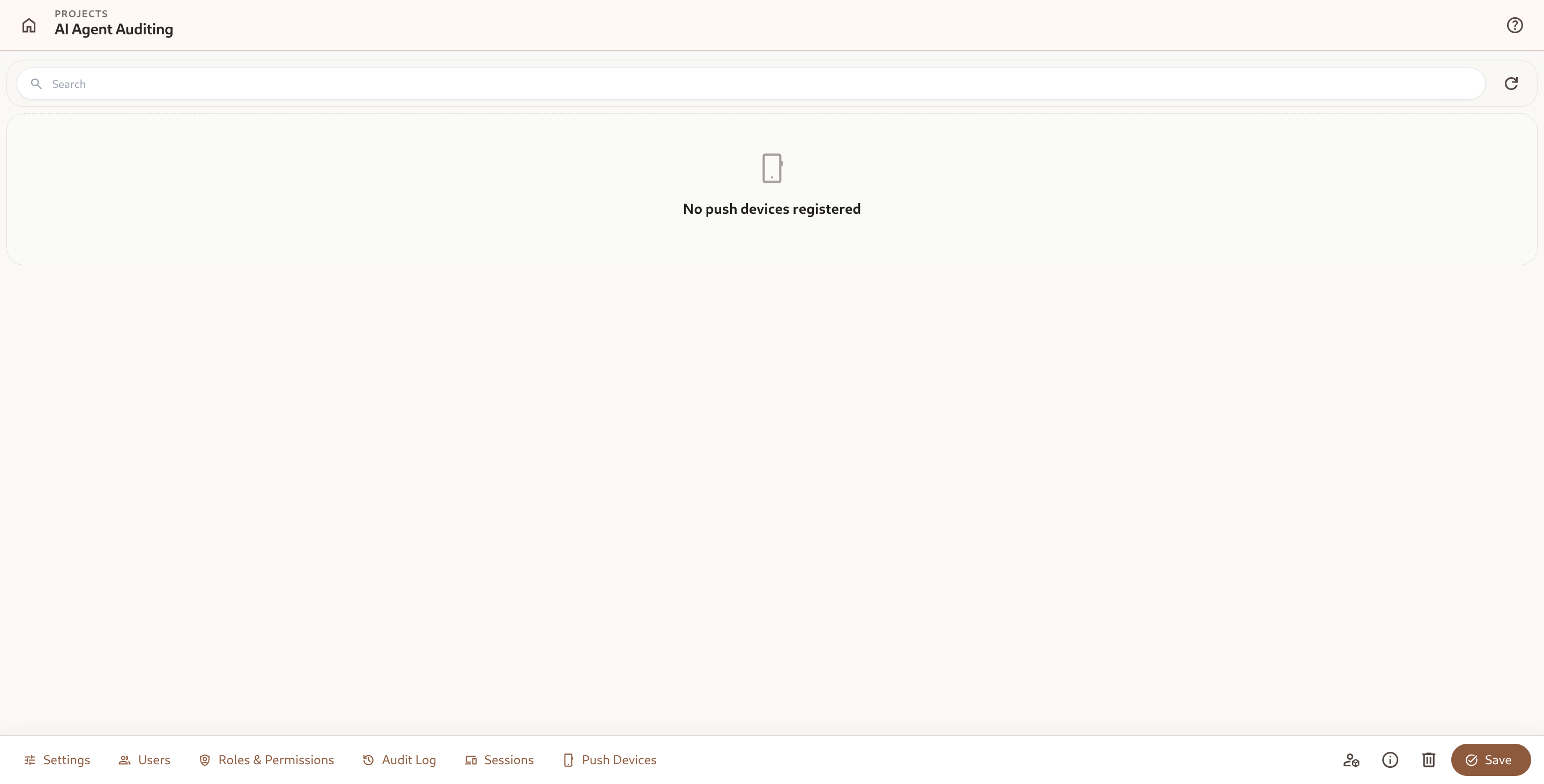
The Push Devices tab (/project/library/:id/push-devices) displays all mobile devices (Android/iOS via Capacitor) and web browsers registered to receive real-time push notifications for the current project.
1. How Push Devices Work
Section titled “1. How Push Devices Work”When users install the Omnismith mobile application or enable web push in modern browsers, the client registers a secure cryptographic push token with the backend:
- Automations Integration: Event-driven automations configured with Send Push Notification actions automatically dispatch push messages to registered devices.
- Critical Telemetry Alerts: Receive instant incident alerts when server CPU breaches thresholds or when high-priority entities mutate.
2. Push Devices Table
Section titled “2. Push Devices Table”| Column | Description |
|---|---|
| Device Name | Operating system and client identifier (e.g. Android 14 (Pixel 8), Chrome on Linux). |
| Push Token | Truncated unique device token used by FCM/APNs to route notifications. |
| Registered At | Timestamp when the device was initially registered. |
| Actions | Unregister device to stop sending push notifications to that endpoint. |
3. Unregistering Devices
Section titled “3. Unregistering Devices”If a device is lost, retired, or no longer requires alerts:
- Locate the device in the Push Devices table.
- Click Unregister.
- Confirm unregistration to immediately invalidate the push token for that project.