
Marketplace Blueprints
The Omnismith Marketplace is a global registry of pre-configured Blueprints — ready-made schema packages containing templates, attributes, reference structures, and sample data.
Rather than building data models from scratch, you can install a blueprint in seconds to deploy complete, industry-tested operational schemas directly into your workspace.
1. What a Blueprint Contains
Section titled “1. What a Blueprint Contains”A Blueprint bundles together:
- Attributes: Dimensions, Metrics, Lists, and Reference configurations.
- Templates: Reusable schema layouts with attached attributes.
- Sample Entities: (Optional) Initial records to help team members explore the workspace immediately.
- Metadata: Category tags, install counts, author info, and setup instructions.
2. Exploring & Installing Blueprints
Section titled “2. Exploring & Installing Blueprints”- Navigate to Marketplace → Search via the navigation launcher (or click Browse Marketplace from the new project welcome modal).
- Browse & Filter: Search by keyword or filter by domain tags (e.g.
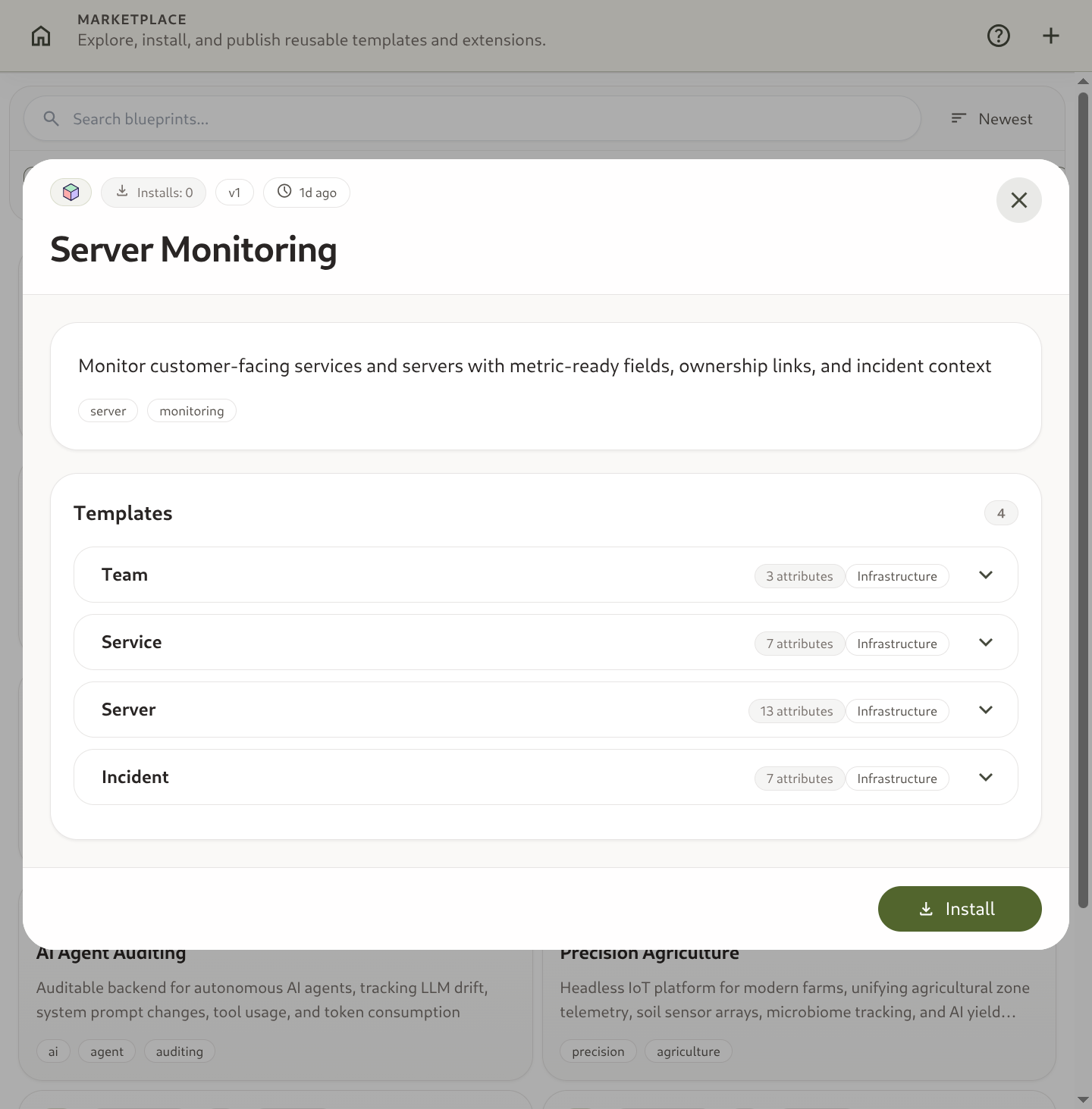
crisis,it-assets,crm,logistics). - Inspect Detail Modal: Click a blueprint card to view its description, author, attached templates, and preview attributes.
- Click Install: Select your target project and click Install Blueprint.
- Omnismith instantly instantiates all templates and attributes into your project workspace.
3. Publishing Custom Blueprints
Section titled “3. Publishing Custom Blueprints”Have you built a great data model for your team or industry? You can publish it to the Marketplace:
- Open your project settings.
- Select Export as Blueprint.
- Provide a title, description, and industry tags.
- Publish to the global registry so other team members or external organizations can deploy it.