
Overview & Project Settings
The Project Overview & Settings tab (/project/library/:id/overview) allows project administrators and owners to manage core metadata, review workspace status indicators, and adjust workspace names and descriptions.
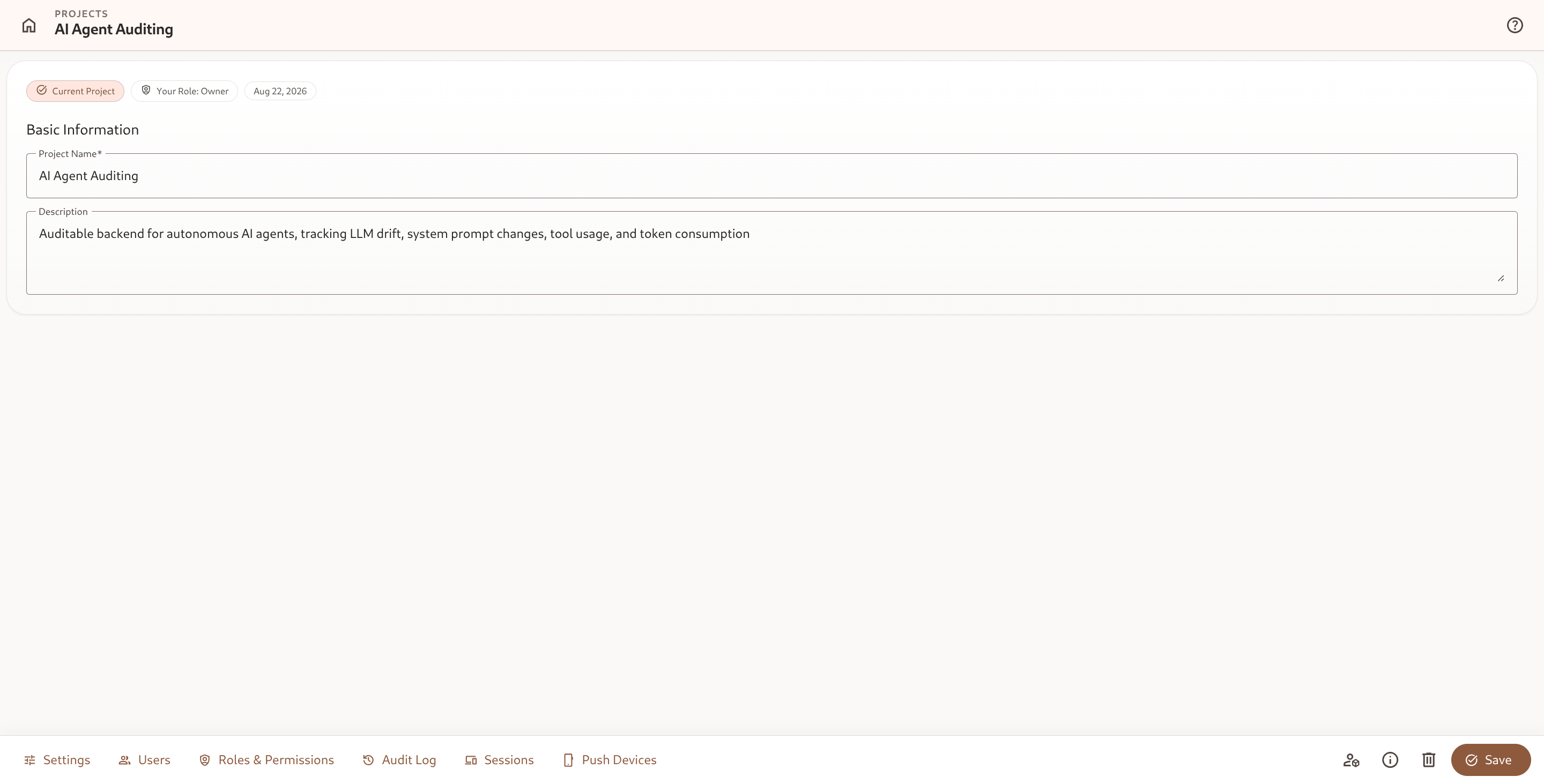
1. Status Indicators & Metadata Pills
Section titled “1. Status Indicators & Metadata Pills”At the top of the settings card, contextual pills communicate workspace state:
- Current Project: Indicates whether this project is currently the active workspace in your session.
- Your Role: Displays your effective role (e.g.
Owner,Admin,Editor) in this workspace. - Created Date: Shows the workspace creation timestamp.
2. Basic Information
Section titled “2. Basic Information”- Project Name: The primary display name of the workspace used across the UI, launcher, and headers.
- Description: An optional multi-line description explaining the purpose, environment (e.g., Staging vs. Production), or business unit of the workspace.
To update details, edit the input fields and click Save in the bottom action bar.
3. Metadata Drawer
Section titled “3. Metadata Drawer”Clicking Metadata in the bottom action toolbar opens the metadata drawer, revealing internal identifiers:
- Project ID: The canonical workspace UUID used for API endpoints, webhooks, and automation bindings.
- Owner ID: The unique user identifier of the workspace creator.
- Created & Updated Timestamps: Full ISO date-time logs of workspace creation and modifications.
4. Deletion Safeguards & Offboarding
Section titled “4. Deletion Safeguards & Offboarding”Project Owners have permission to delete workspaces when decommissioning environments:
- Click Delete in the bottom toolbar.
- Confirm the deletion prompt.
- All internal attributes, templates, entities, metrics, automations, and custom roles will be permanently purged.