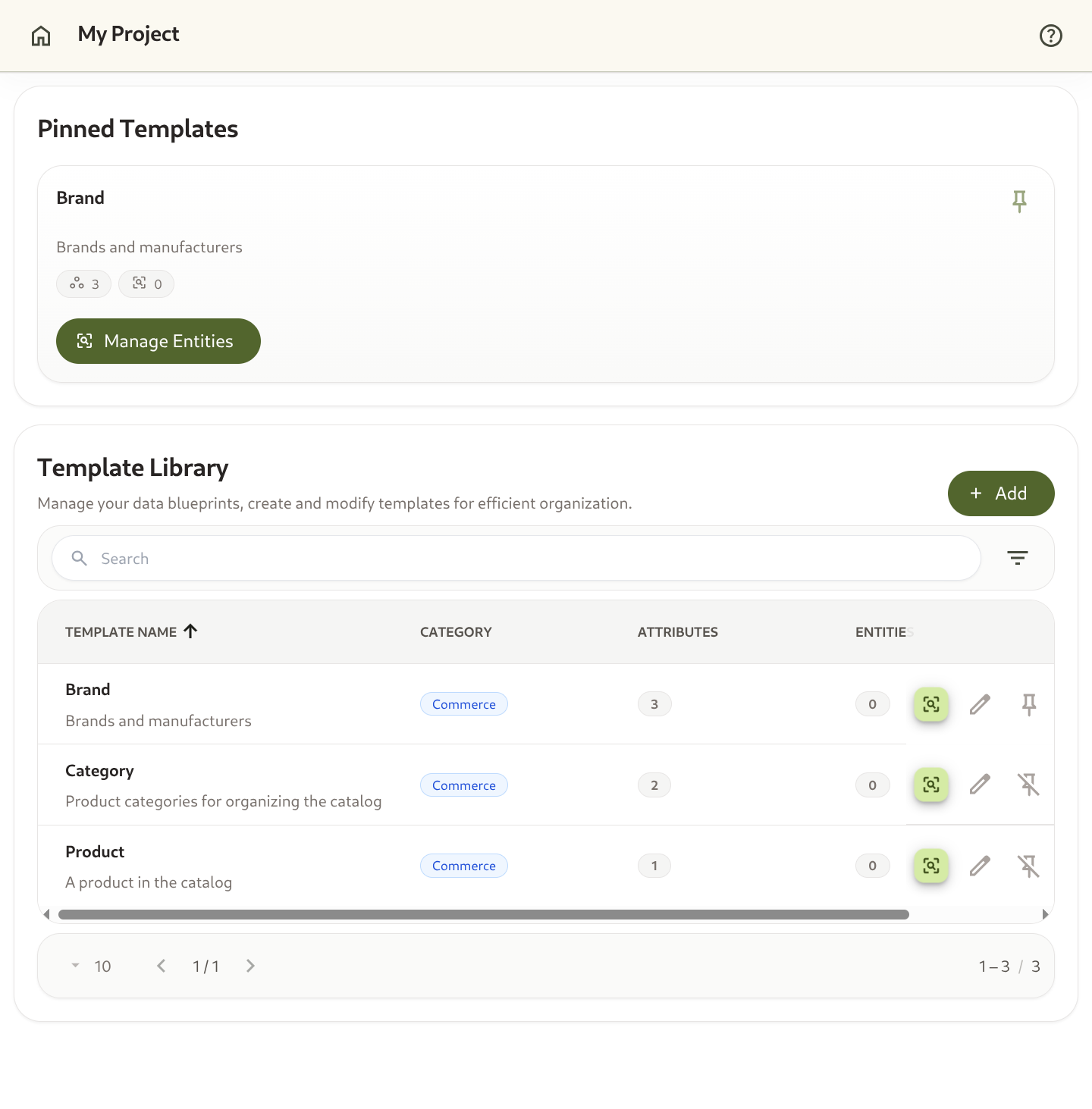
Data Modeling
Define Attributes (Dimensions, Metrics, Lists, References) and assemble them into Templates (reusable schemas).
Omnismith is a platform for creating dynamic runtime data structures, executing data operations, tracking time-series metrics, and building custom operational portals without database migrations.
Whether you are a software engineer building flexible custom backends or a team lead creating an internal tracking portal, Omnismith provides schema flexibility with instant queryability, audit history, and real-time dashboard analytics.
When you enter a project for the first time, Omnismith offers three onboarding paths:
Data Modeling
Define Attributes (Dimensions, Metrics, Lists, References) and assemble them into Templates (reusable schemas).
Entity Operations
Manage live data records (Entities), perform advanced filtered queries, view change logs, and monitor metric charts.
Rules & Actions
Enforce business constraints on every write with Rules, and expose guided, named operations like status transitions with Actions.
Dashboards & Analytics
Combine queries and time-series metrics into customizable visual dashboard blocks.
Automation & Notifications
React to data changes, schedules, deadlines, or records that have gone quiet — then notify, update or create records, run actions, or call an API and keep its response.
Projects & Security
Isolate workspaces in multi-tenant Projects with fine-grained Resource-level and Scope-level RBAC and API Access Tokens.
AI Assistant & Marketplace
Interact with your data using natural language prompts and deploy blueprints instantly from the marketplace.
We suggest following this reading order: